At DevDay in San Francisco this week, OpenAI launched Dots: always on agents that keep working in the background instead of waiting inside a single chat. Each Dot gets its own cloud computer and browser, connects to more than 4,000 apps, and can be messaged from ChatGPT, Slack or Microsoft Teams.
It is a great idea, and it is the same idea we build for businesses. An assistant that keeps going while you are with a client is worth far more than one that stops when you close the tab. The question is not whether this is useful. It is whose computer the agent lives on, and who holds the keys to everything it connects to.
Same always on agent. Different computer.
 Dots, by OpenAI




 A DotYour apps, connected through pluginsIts own cloud computerA computer and browser OpenAI runs for you
- The agent works on a computer in OpenAI’s cloud
- It rides on a ChatGPT Pro or Business Premium plan
- Built for everyone, so it works the same for everyone
 Scalus IO, in your office




 Claude and your vaultYour own account, your own files
- The always on computer is one you own
- The AI account is in your name, billed to you
- Built around how your business actually works
A genuinely useful agent
OpenAI built Dots to carry work across days, not just answer a question. Powered by OpenAI’s newest model, a Dot can research, analyse data, draft documents and prepare software changes, and it learns from your feedback over time.
Message it where your team already talksChatGPT, Slack and Teams, with texting coming
Tracks customer feedback and prepares a fixExample from OpenAI’s launch

Revises launch material when the plan changesExample from OpenAI’s launch
Researches in the background while you are awayRead only until you are back
While you are away, a Dot does “proactive research” but “cannot send messages, change app content, or control a browser or computer.”
OpenAI’s launch, as reported by OpenToolsThat is a careful, sensible boundary, and OpenAI deserves credit for it. You choose which apps a Dot can reach, set rules that allow, require approval for or block actions, and sensitive things like password changes stay with you. For a business, though, the rules are only half of it. The other half is where the computer sits and whose name is on the account.
Your agent, your computer
Scalus IO is an always on agent too. The difference is that the computer it runs on sits in your office, the connectors live on hardware you own, and the AI account is in your name. We set it up so you control what goes in, and you own what comes out.
The computer is yours
The machine that works around the clock is a Mac Studio on your desk, not a slot in someone else’s cloud. Unplug it and the agent stops. That is real control.
You hold the keys
Every connection to your email, calendar, accounts and CRM lives in one place you control. Grant it, scope it or revoke it without asking a vendor.
You own what it produces
Drafts, research, documents and decisions land back in your own systems. Change AI providers tomorrow and the work stays with you.
Proven tools, wrapped as one system
Each layer is best in class at its job, and every one of them is yours. Your team only ever sees one thing: Scalus IO. Tap a layer.
SCALUS IOThe business’s memory, in files you keep
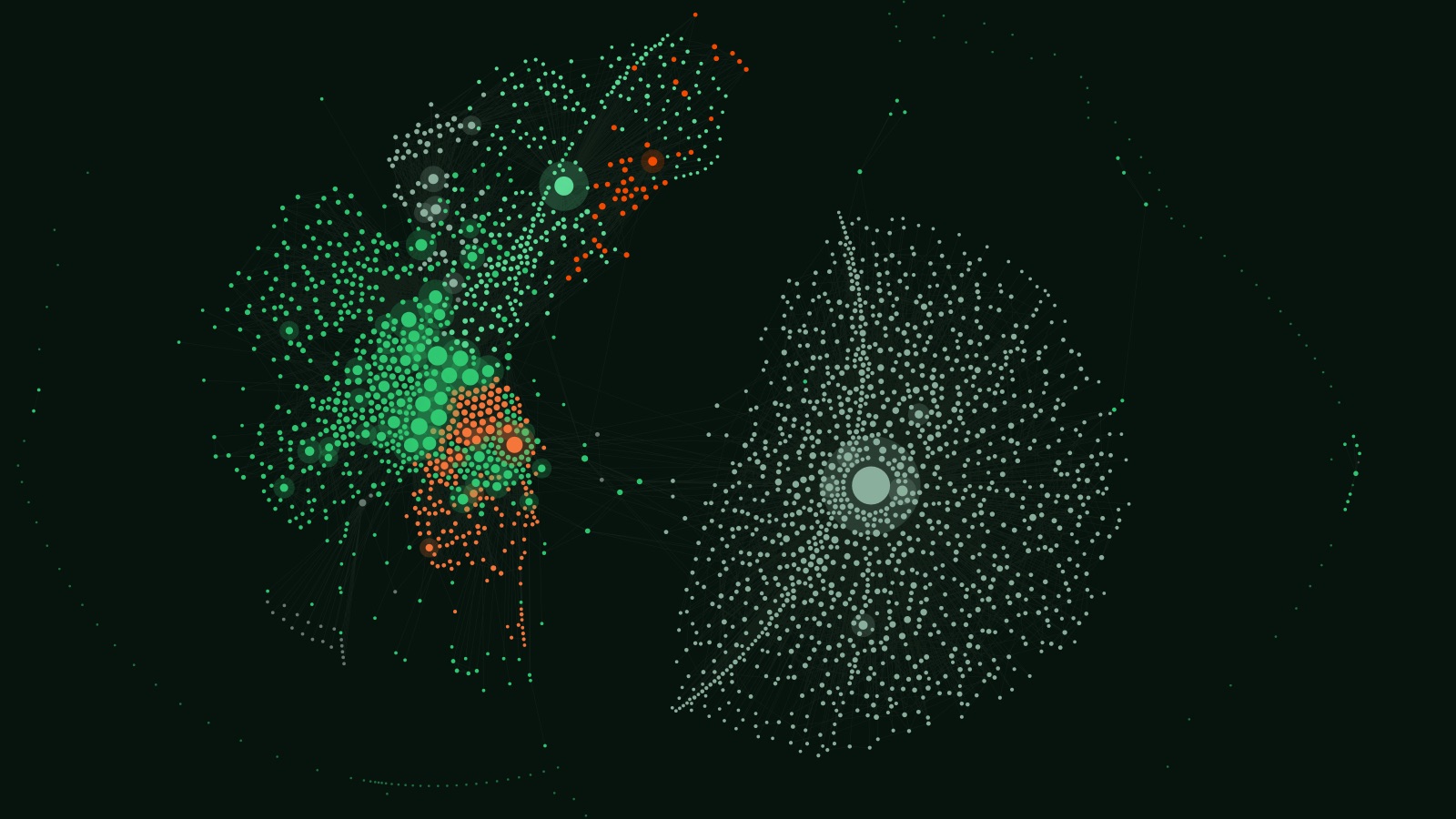
In a rented app, memory lives on the provider’s side. In your own infrastructure it is a vault built in Obsidian: plain text notes, linked like a brain, sitting on your own machine. It is why the AI knows the business instead of guessing, and you can open it any time.
Written down
Calls, emails, decisions and procedures become plain notes.
Linked
Notes link to people, clients and jobs, like a brain.
Read first
Before it answers or drafts, the AI reads the notes that matter.
Written back
What it learns goes back in, so it gets better every week.
Installed on site, then it is yours
Tim comes to you, puts the whole system in, trains your team and stays on call. After that, the business runs it.
Rent an AI, or own one
Flip the switch to compare.
Always on means always connected
An agent that only works while you watch is a tool. An agent that works while you sleep is closer to a staff member, and you would not give a staff member keys that live in someone else’s building. The more an agent runs on its own, the more it matters where it runs.
Dots are a strong sign of where all of this is heading: agents that keep going, across every app a business uses. We think that is exactly right. We just think a business should own the computer it happens on.
Scalus runs on exactly this setup today. If you like the idea of an agent that keeps working for your business, but want it working on your own hardware, that is the conversation we like having.
Sources: OpenAI, Introducing Dots · OpenTools, Dots and the control boundary · Runtime Wire, OpenAI launches Dots · CNBC, DevDay recap. OpenAI, Dots and every other product named here are trademarks of their owners, shown to identify them. Scalus is not affiliated with OpenAI.
